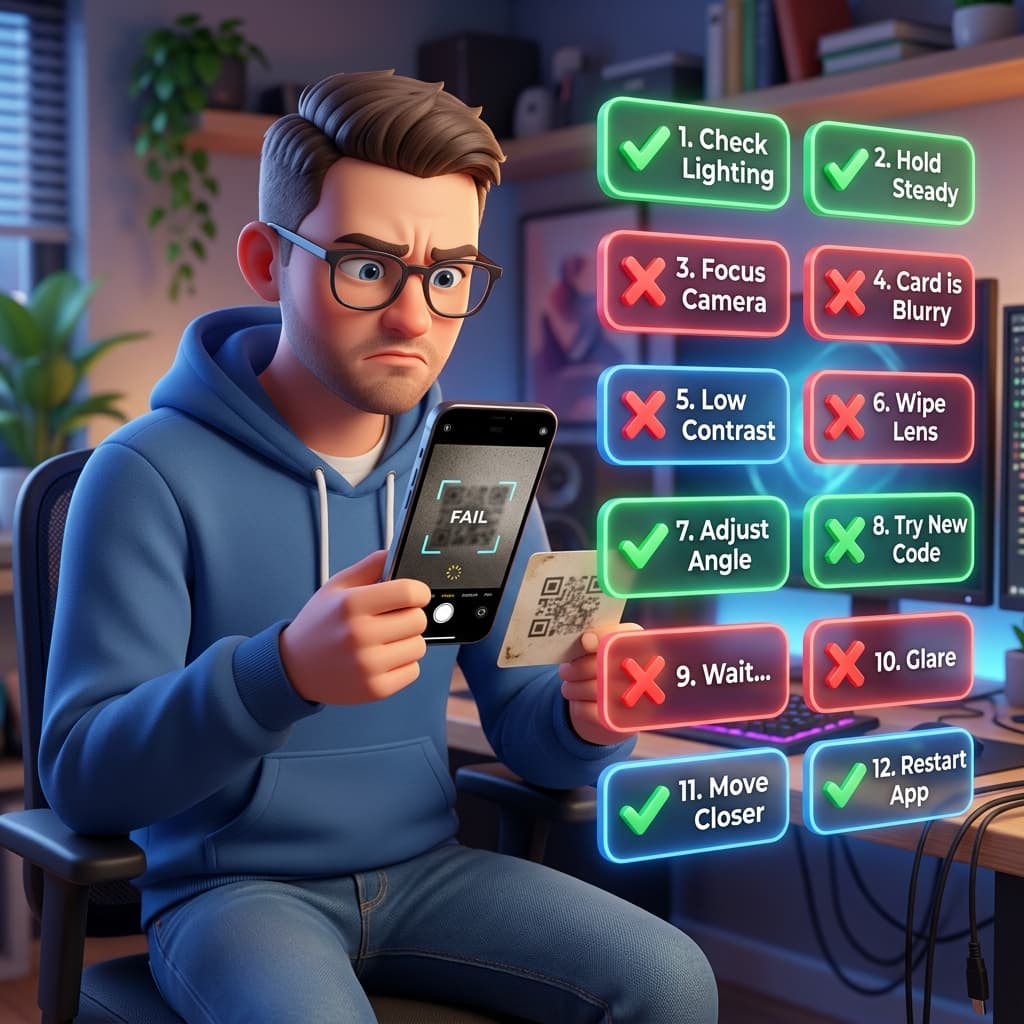
Quick Fixes (90% of problems)
- 11. Increase contrast (black/white only)
- 22. Minimum 2x2cm print size
- 33. Remove background/logo overlap
- 44. Test with 3 phones first
- 55. Use high-res PNG/SVG export
Advanced Fixes
- 16. Check error correction level (H=30%)
- 27. Verify URL encoding
- 38. Test iPhone vs Android scanners
- 49. Avoid glossy/reflective paper
Try it right now!
TEST YOUR QR CODE HERE → [TOOL EMBED]
QR Code Generator: Create your Free QR Code
Generate branded QR codes in seconds, choose your niche frame, and instantly track your scans.
1
Complete the content
2
Design your QR
3
Download your QR
COFFEE & MENU